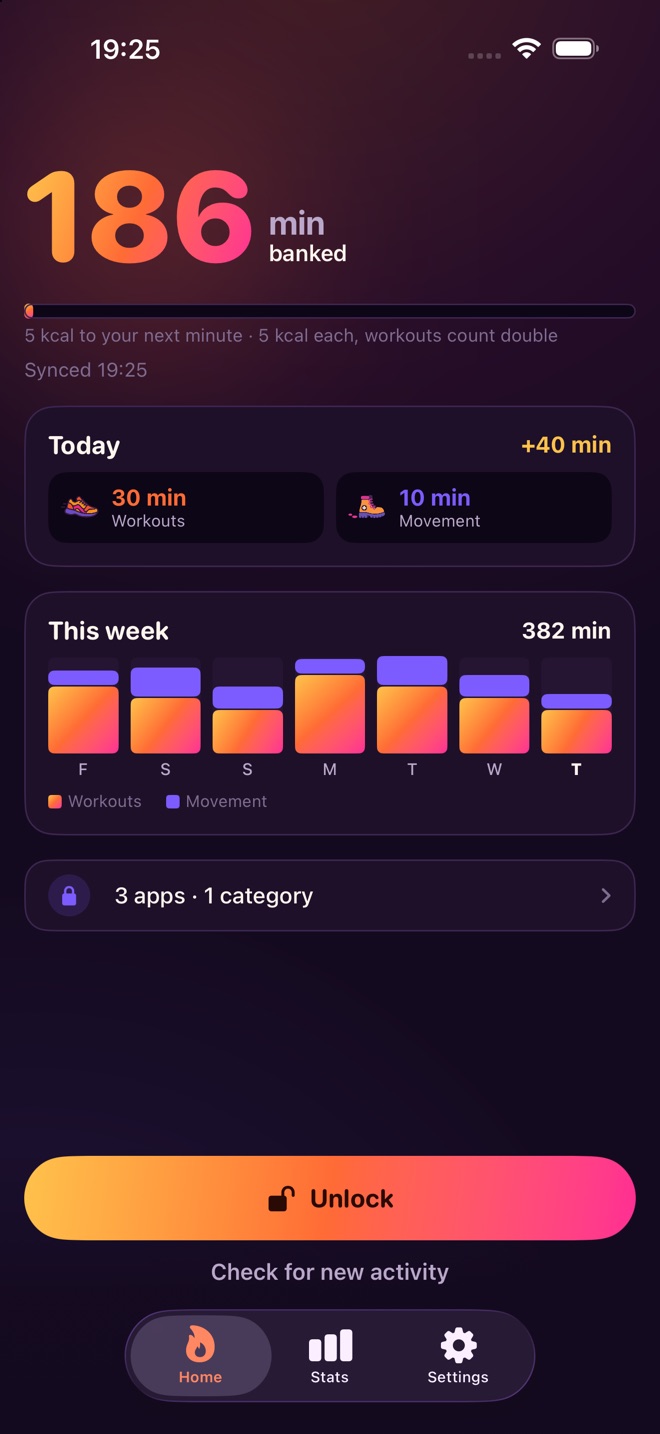
Burnlock shields whatever is eating your day until you have burned the calories to open it. A workout pays for them, a minute at a time.
Free to download · Requires iOS 18, Screen Time and Apple Health
How it works
Other blockers give you a timer, and a timer is a thing you talk yourself out of at 11pm. This puts a price on the apps, in the one currency you cannot argue with.
Anything Apple Health recorded — a run, a ride, the gym, a swim, a yoga class, a long walk. Nothing to log by hand, no camera, no reps performed in front of your phone.
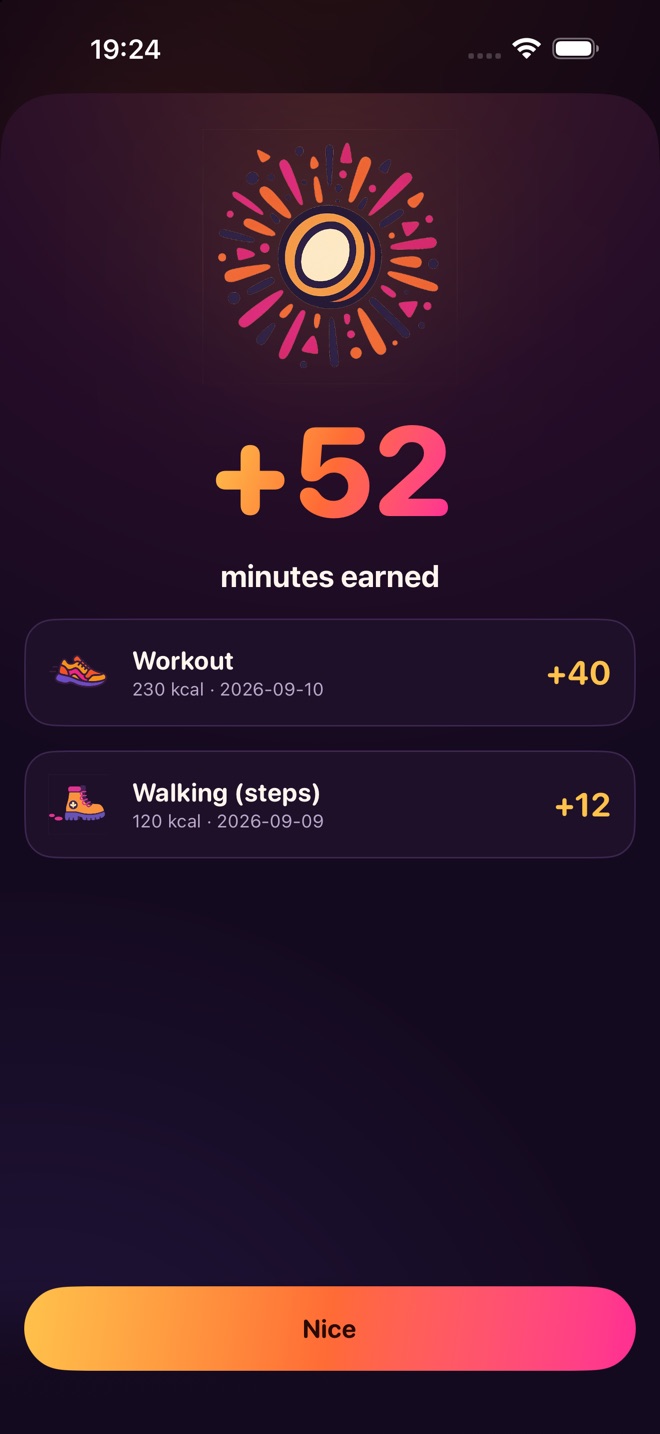
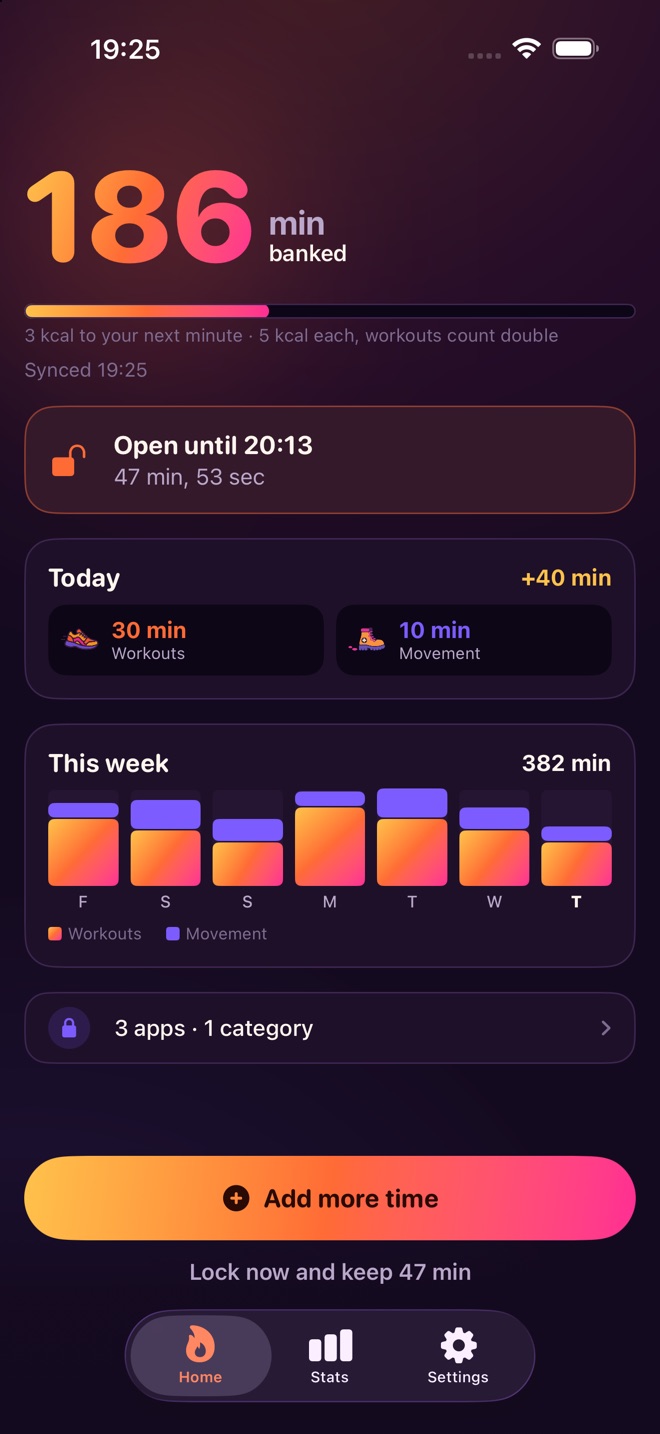
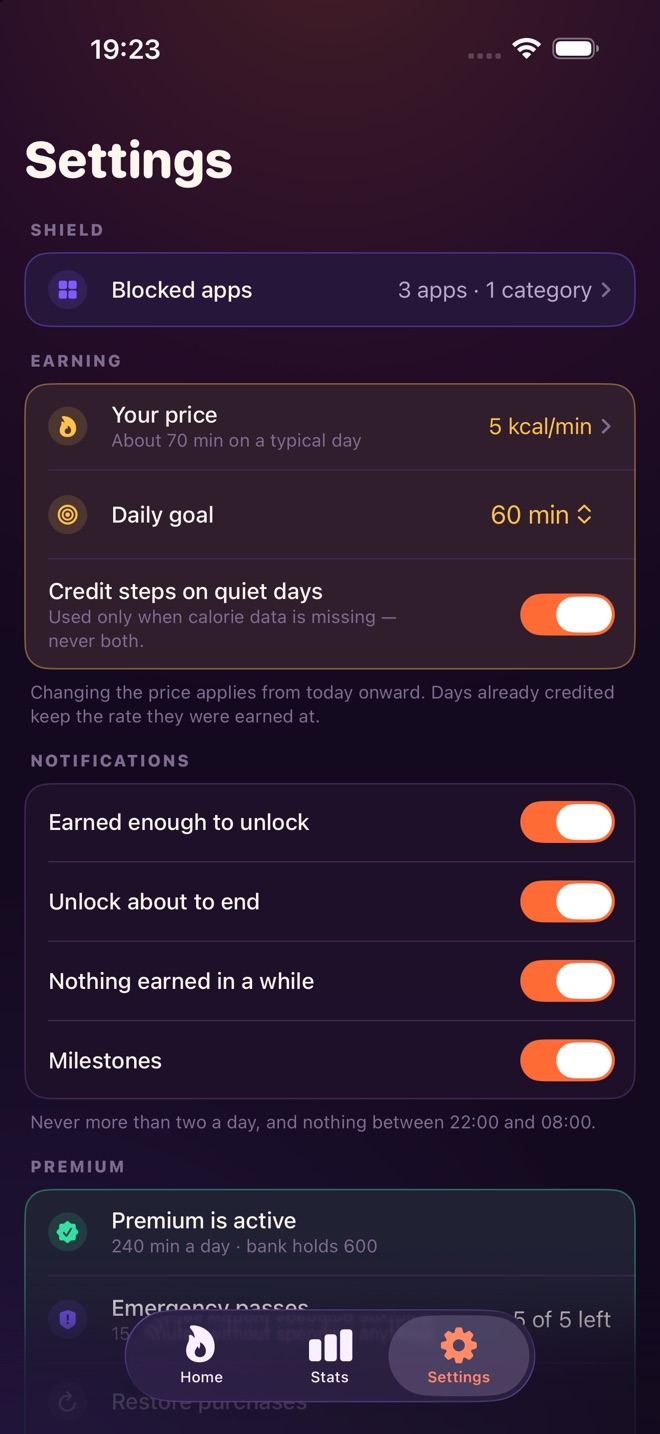
5 kcal buys a minute at the standard rate, and a real workout is worth double what everyday movement pays. The minutes land in the bank the next time you open the app.
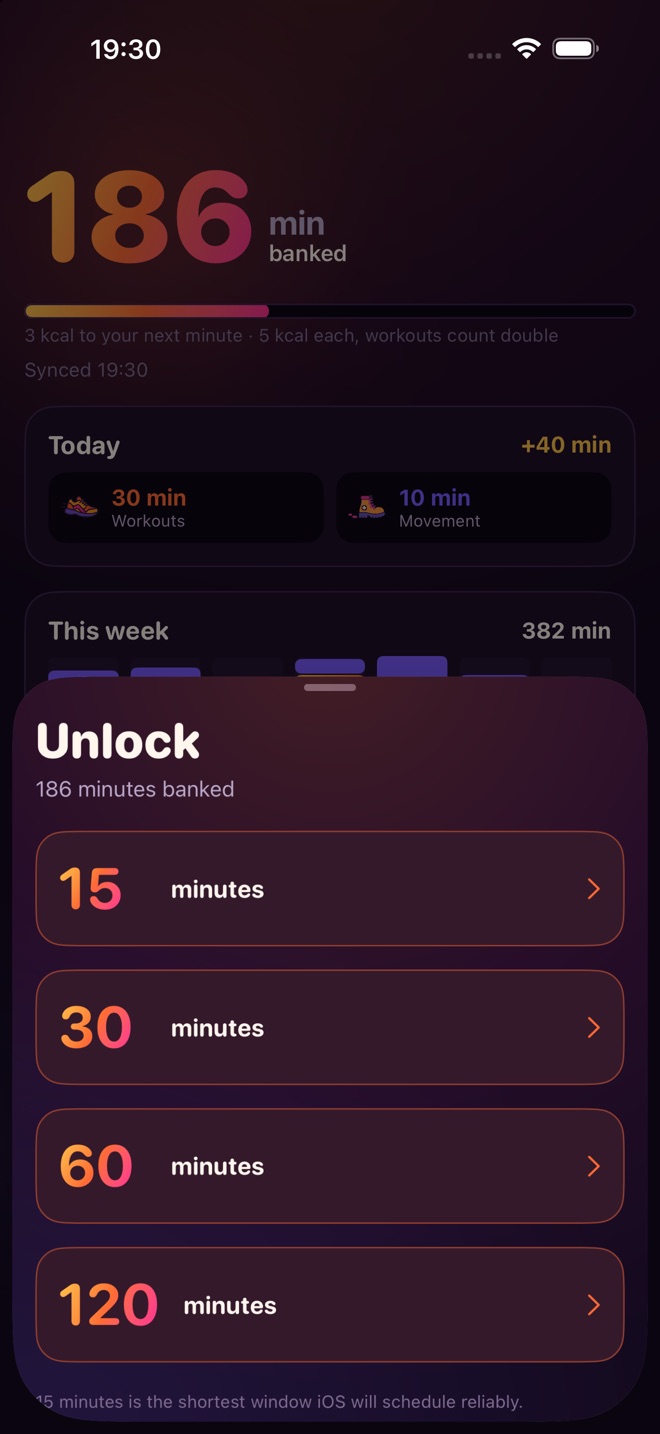
Spend what you banked in blocks of 15, 30, 60 or 120 minutes. End a window early and the minutes you did not use come straight back.
What is in it
Burnlock reads workouts and active energy, and only reads — it never writes to Apple Health.
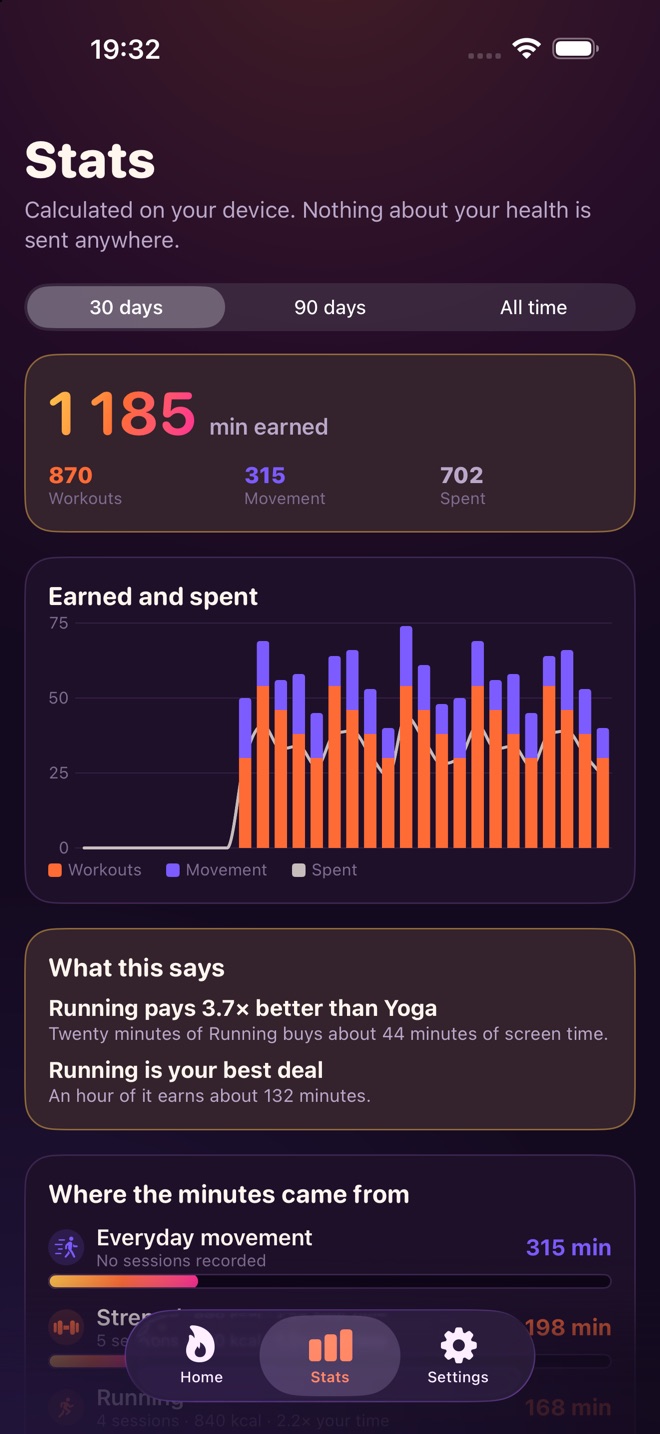
Run, ride, lift, swim, row, stretch, walk. If Health recorded it, it pays — and the last week of history is picked up the first time you connect.
Around 250 steps to the minute, and never both lanes on the same day.
Three quiet days cost nothing, and any activity at all resets the clock.
Six effort levels from Gentle to Beast. Premium adds a continuous slider and auto-calibration: Burnlock watches a month of your own activity and, if your goal has drifted out of reach, offers a rate that brings it back — one small step at a time, and never without asking.
For the moment you genuinely need an app now. Rationed, and behind a two-step confirm.
A ceiling on the day and a ceiling on the bank. Grinding calories for screen time is not the point.
Inside the app
Plans
Premium is a subscription. The price and renewal terms are shown before you buy, and it can be cancelled any time in your Apple Account settings.
Questions
No. A Watch gives the most accurate calorie data, but without one Burnlock credits steps instead — roughly 250 steps to the minute — and never counts both on the same day.
No. Burnlock reads workouts and active energy, and only reads. Calories and workouts are never uploaded, never placed in iCloud and never sent to any analytics service. Only the minutes you have banked sync between your own devices.
Anything Apple Health recorded: running, cycling, strength training, swimming, rowing, yoga, a long walk. Nothing is logged by hand and there is no camera.
There are emergency passes — one a month on Free, five on Premium — behind a two-step confirmation. They exist so a bad moment does not end with the app deleted.
Both. Six effort levels run from Gentle to Beast. Premium adds a continuous slider and auto-calibration, which watches a month of your own activity and offers a rate that puts your goal back in reach — one small step at a time, and never without asking.
Yes, deliberately. There is a cap on what a single day can earn and a cap on what the bank can hold, because grinding calories for screen time is not the point.
Free on the App Store, for iPhone on iOS 18.
 Burnlock